
Moving from WooCommerce to Shopify shouldn’t cost you rankings, data, or revenue.
We plan and execute your migration around what your business cannot afford to lose: organic visibility, store data, integrations, and sales continuity.













Tell us what you’re moving to Shopify and what you need to protect. We’ll review your requirements and recommend the appropriate migration approach.
If you’ve already decided to move from WooCommerce to Shopify, the migration can be planned around preserving your existing data, SEO, functionality, integrations, and sales operations.
If plugin conflicts, hosting limitations, or performance issues are creating operational problems, the migration plan accounts for them instead of simply moving the same complexity to Shopify.
For stores with growing traffic, catalog size, or operational needs, the migration is planned around the business’s future requirements.
If plugin vulnerabilities, security updates, backups, hosting, or developer support are creating concerns, the migration can simplify maintenance while accounting for security, recovery, and compliance requirements.
If your store generates ongoing sales, launch planning, testing, and validation become critical parts of the migration.
If organic search is an important acquisition channel, URL mapping, redirects, metadata, indexation, and post-launch monitoring receive additional attention.
If your WooCommerce store connects with CRM, ERP, inventory, analytics, marketing, or other systems, those dependencies are mapped before implementation.
WooCommerce can be a strong fit for many stores. But as a business grows, the combination of plugins, hosting, development, maintenance, integrations, and custom functionality can create more operational complexity.
Common reasons businesses consider moving to Shopify include:
The right approach starts with understanding the problem before deciding how to solve it.
If you’re still evaluating the platforms themselves, see our WooCommerce vs Shopify comparison before deciding whether to replatform.


WooCommerce themes, WordPress plugins, and custom functionality do not transfer directly to Shopify.
The two platforms use different architectures, so these elements need to be rebuilt, replaced, or reconfigured.
Your existing WooCommerce theme does not transfer directly to Shopify.
Instead, we assess the current design and rebuild the storefront using Shopify-compatible theme architecture, while preserving or improving important UX and responsive behavior.
WordPress and WooCommerce plugins do not transfer directly.
Each plugin is reviewed to determine whether its functionality can be:
Custom features built specifically for WooCommerce or WordPress need to be evaluated individually.
Where necessary, functionality can be rebuilt using Shopify-compatible development.
Customer passwords generally cannot be transferred between the two platforms because of differences in authentication and password security.
Customers may therefore need to reset their passwords when accessing their accounts on the new Shopify store.
A workflow that depends on WooCommerce-specific architecture may need to be redesigned around Shopify rather than copied exactly.
This is why functionality mapping happens before migration rather than after the new store is live.
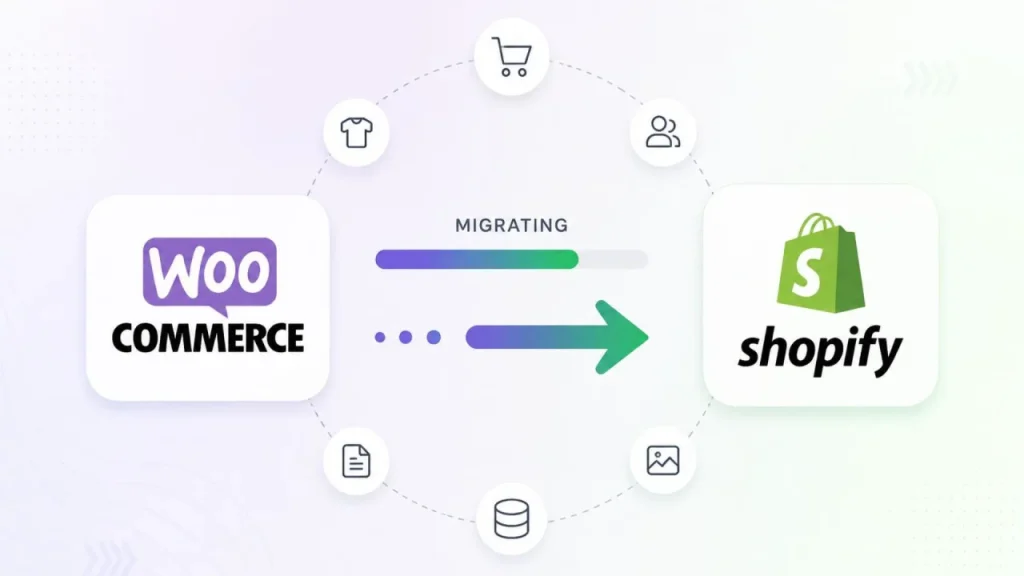
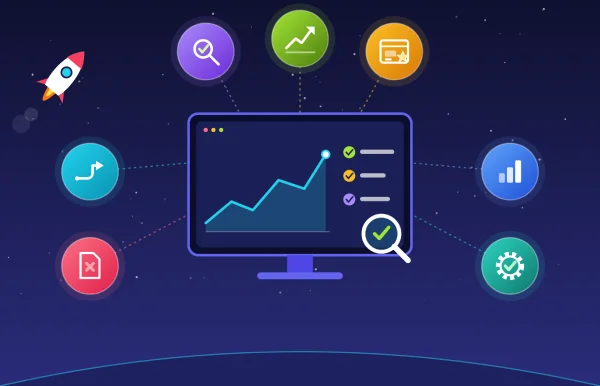
A successful migration isn’t just about transferring data. It requires controls at each stage to reduce the chance of missing information, broken functionality, SEO problems, or unnecessary disruption to sales.
Before launch, we use a combination of:
We review your products, customers, orders, URLs, SEO, plugins, integrations, and custom functionality to identify migration requirements and risks.
We create a clear migration plan covering data mapping, URL structure, SEO, functionality, integrations, testing, timeline, and launch requirements.
We prepare your Shopify store, including the theme, navigation, collections, apps, integrations, settings, and required functionality.
We migrate supported products, variants, customers, orders, content, and media while mapping and validating the data against your WooCommerce store.
We map important URLs, implement redirects, and review key SEO elements to help preserve your existing organic visibility.
We test products, search, cart, checkout, payments, customer accounts, mobile experience, redirects, integrations, and tracking before launch.
We coordinate the launch, verify critical functionality and tracking, and monitor for redirects, crawl errors, and other post-migration issues.
Want to understand the migration process in detail? See our WooCommerce to Shopify migration process guide.
Your WooCommerce theme does not transfer directly to Shopify because the platforms use different theme architectures.
That does not mean the new storefront has to start from scratch.
We assess your existing store to determine what should be preserved, improved, or changed.
This can include:

Migration tools can be useful for straightforward data transfers, particularly when a store has simple requirements.
They are not a substitute for planning and validation when the migration involves SEO, complex data, custom functionality, integrations, or business-critical operations.
| Factor | Migration Tool | Expert-Led Migration |
| Primary approach | Automated data transfer | Planned migration |
| Mapping | Standard or tool-dependent | Business-specific mapping |
| SEO | Depends on configuration | Planned and validated |
| Custom functionality | Limited to supported capabilities | Can be rebuilt or adapted |
| Integrations | Limited to supported connections | Reviewed and mapped individually |
| QA | Depends on the tool | Structured testing and validation |
| Exceptions | Usually require user handling | Managed as part of the migration |
| Scope | Primarily data movement | Data, SEO, functionality, testing, and launch |
For a small store with straightforward data, an automated tool may be sufficient.
For stores with meaningful organic traffic, complex integrations, custom functionality, large catalogs, complex customer/order data, or strict launch requirements, additional planning and validation may be necessary.
There is no single migration price that applies to every store because the scope can vary highly.
Cost is influenced by:
A straightforward store with limited data and integrations requires a different level of work from a large store with custom functionality, complex SEO requirements, and multiple business-critical systems.
Get your free estimate based on your store and migration requirements.

If your migration has already been completed and you are experiencing problems such as:

The first step is to establish what changed between the WooCommerce store and the Shopify store.
The recovery process can then focus on the affected URLs, data, technical configuration, integrations, and business workflows.
Avoid making additional changes before identifying the underlying cause.
A structured audit can help establish what needs to be corrected and which issues should be addressed first.
Important URLs, metadata, redirects, internal links, and indexation requirements are reviewed as part of the migration.
Products, variants, customers, orders, content, and other supported data are transferred and validated against the agreed migration scope.
Testing and validation are completed before the live transition to reduce avoidable launch problems.
Critical store functionality and integrations are tested so the new Shopify store is ready to support ongoing business operations.
The Shopify store is configured around the business's operational, technical, SEO, and growth requirements.

SEO is incorporated into planning, implementation, validation, and 30-90 days post-launch monitoring rather than being treated as a final step.

The migration follows defined stages from assessment and planning through testing, launch, and monitoring.

Migrated data is checked against the agreed source data and migration requirements to identify inconsistencies before launch.

WooCommerce plugins, integrations, custom functionality, and business workflows are reviewed before implementation.

Critical store functionality, checkout, payments, mobile experience, redirects, integrations, and tracking are tested before the live transition.

The store is monitored after launch, so migration-related SEO, technical, and operational issues can be identified and addressed.
Tell us about your store, what you need to move, and what you cannot afford to lose.
We’ll review your requirements and outline the appropriate migration approach, including the expected scope, timeline, and cost range.
Customers and supported order history can generally be migrated, subject to the source data and platform limitations. Customer passwords generally cannot be transferred between platforms, so customers may need to reset their passwords when accessing their Shopify accounts.
Plugins themselves do not transfer directly. Each requirement is reviewed and mapped to Shopify-native functionality, a suitable Shopify app, custom development, or an alternative workflow.
Let’s turn your ideas into impact—reach outYears of Experience and let’s build something exceptional together.
Customer
Retention Ratio
Certified Professionals
Projects
Years of Experience







TRUSTED BY 100+ CLIENTS, WITH OVER 100 PROJECTS SUCCESSFULLY DELIVERED AS A FULL-SERVICE WEB AGENCY
TRUSTED BY 100+ CLIENTS, WITH OVER 100 PROJECTS SUCCESSFULLY DELIVERED AS A FULL-SERVICE WEB AGENCY
TRUSTED BY 100+ CLIENTS, WITH OVER 100 PROJECTS SUCCESSFULLY DELIVERED AS A FULL-SERVICE WEB AGENCY
We don’t just build websites; we craft digital experiences that drive results. Contact us today, and let’s turn your online presence into a powerful marketing tool that grows your business.
Web Design By Industry
Digital Marketing
eCommerce Web Design
SEO Services
Lead Gen By Industry
Migration By Platform
PPC By Industry
Maintenance By Platform
Our Presence
Expand your business digitally on a global scale! We’re always ready at your service, with dedicated teams in three key international locations.

5354 Denny Ave, North Hollywood, Los Angeles, CA 91601, United States.
9720 Jones Rd, S210, Houston, TX 77065, United States.

The Spire, Office No: 312, Near Ayodhya Chowk BRTS Bus Stop, 150 Feet Ring Road, Rajkot
